Scrolling content
When something doesn't fit — a long prize list, a chip-leader table, a wordy message — you can scroll it instead of shrinking it to unreadability.
Select the component and press Scroll Content:
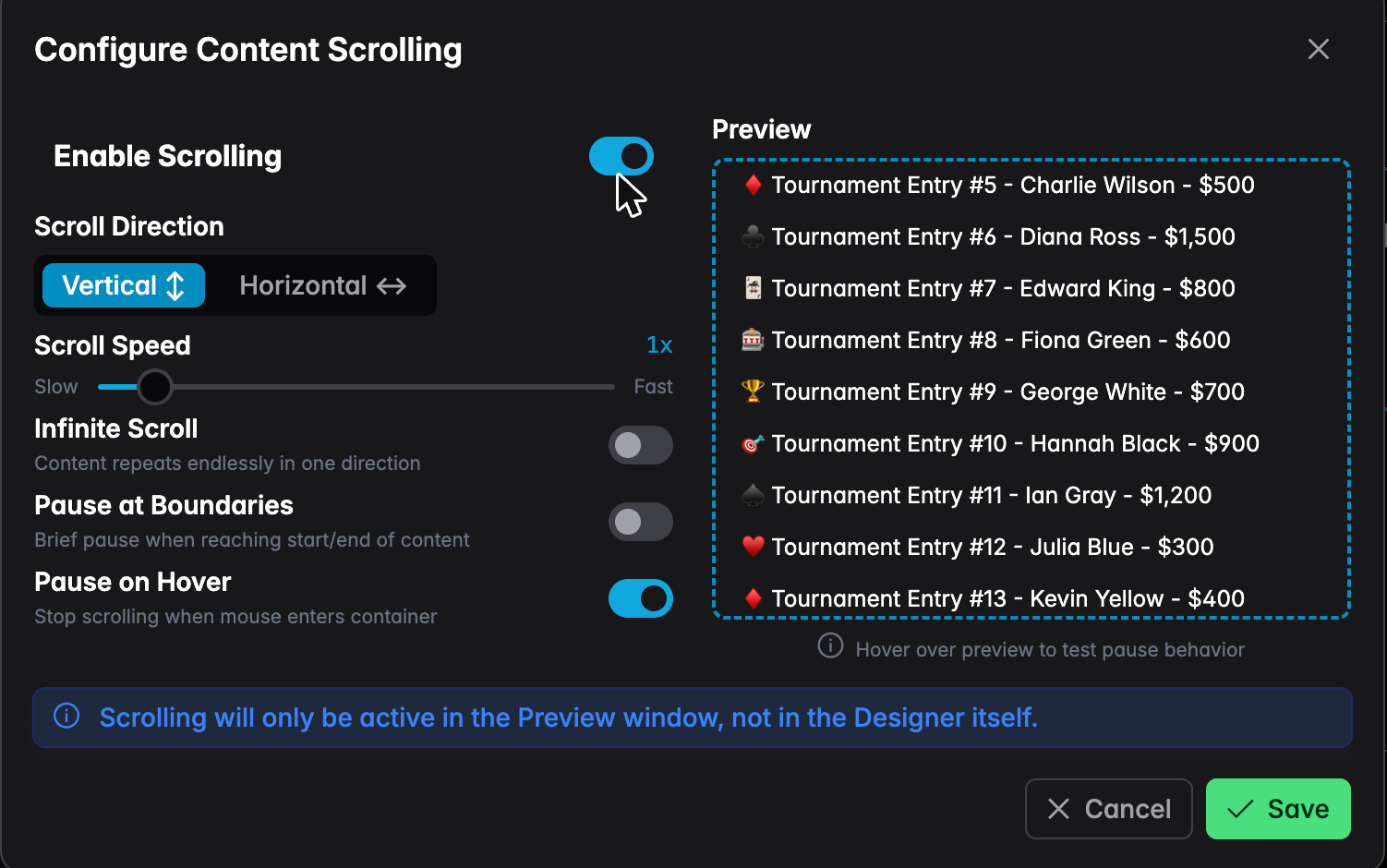
- Direction — vertical for lists, horizontal for a ticker
- Speed — slow is usually right; people need time to read
- Infinite scroll — content loops forever, like a news ticker. Off means it scrolls to the end and comes back.
- Pause at boundaries — a brief rest at each end so the last row is readable
- Pause on hover — stops when the mouse enters, for a screen people interact with
note
Scrolling doesn't animate inside the designer — only in Preview and in real tournaments. The dialog's own preview panel shows you the motion while you set it up.