Managing resources
Everything a design needs to draw itself — logos, sponsor artwork, background photographs, chip images — is stored inside the design file. That is what makes a design self-contained: export it, send it to somebody, and they get your artwork with it. Nothing points at a URL that might go away.
It is also why there is a budget.
The image manager
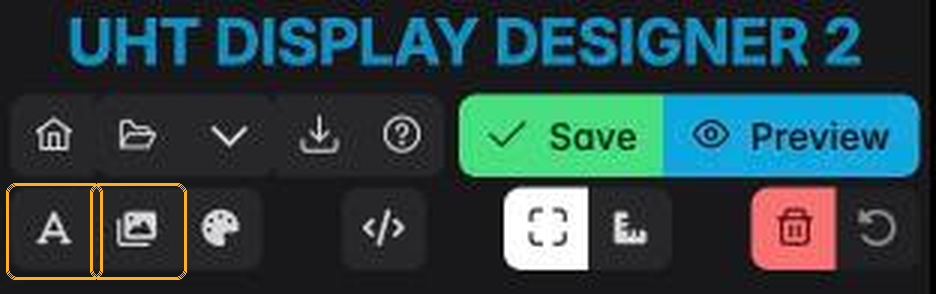
Press the picture button in the toolbar:
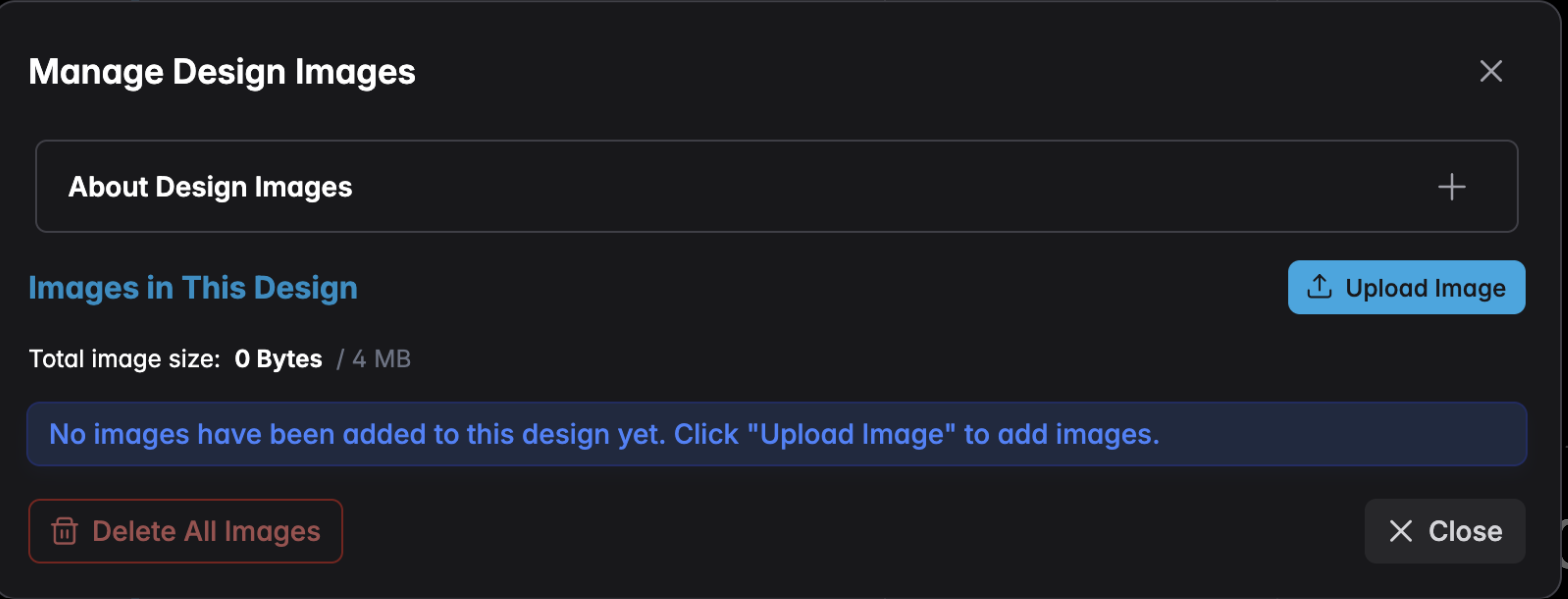
Upload a file and it appears in the list, ready to use in two places:
- the Image component, for a logo or a sponsor banner placed somewhere on screen
- Canvas Settings → Background Image, for a photograph behind the whole display
To get an image back out of a design, use the download button on its card. Download All saves every image at once — as a ZIP file when the design holds more than one.
Deleting an image here removes it from the design. Any component still pointing at it will show nothing, so check the component list first.
The storage budget
Each design may hold 4 MB of images, shown at the top of the dialog. That is a deliberate limit: designs sync to your account, load on smart-TV browsers with modest memory, and get shared as files.
It is more generous than it sounds — 4 MB is a large background photograph plus a dozen logos, provided the files are prepared sensibly.
If you are running out:
- Resize before uploading. A background image never needs to be larger than the screen showing it. 1920 × 1080 is enough for almost every display; 4K only if you know the screen is 4K.
- Choose the right format. Photographs belong in JPEG or WebP. PNG is for logos and anything needing transparency — a photograph saved as PNG can be ten times larger for no visible benefit.
- Compress. A 400 KB JPEG and a 4 MB one are usually indistinguishable on a television across a room.
- Reuse. One image used by five components counts once.
Chip images
Chip artwork is handled separately, in your chip sets rather than in the design — see Import your chips. The Chip Denominations component pulls from there, so chip pictures do not consume a design's image budget.
Fonts
Fonts are not stored in the design; they are loaded from Google at display time. See Adding fonts, which also covers what happens when a display has no internet connection.